How to Open .blend Files in Maya (Work in Progress)
Maya cannot open .blend files. How I am building Blend Bridge to bring Blender scenes, materials, lights and animation into Maya.
Blender is where a huge amount of 3D content is made and sold, and Maya has no way to open a .blend file. The normal workaround is to open the file in Blender, export something, and import that into Maya. Every step loses a little, and you do it again whenever the asset changes.
I am building Blend Bridge to do that in one step from inside Maya. It is not released. This page covers how it works so far and why it is harder than it looks.
How it works
A .blend file can only be read properly by Blender, so Blend Bridge does not try to parse it. It runs Blender in the background, converts the scene to USD, and then builds native Maya nodes from the result. You pick a file, press Import, and the scene appears.
I read the USD myself instead of using Maya’s own USD importer. That lets me control exactly how each material, light, camera and mesh is rebuilt, and it leaves room to read the same data into other apps later.
Why converting everything is hard
“Import a .blend” sounds like one task. It is really a long list of small ones.
Materials
Blender materials are node graphs, and many are procedural: noise, gradients and math nodes that have no equivalent in another renderer. Blend Bridge converts the common case, a Principled BSDF fed by image textures, into Maya’s OpenPBR or Arnold’s standard surface with the maps connected. Anything it cannot translate becomes a plain gray stand-in with the same name and a note in the log saying why, so you can see what to rebuild instead of finding out in a render.
Geometry that looks the same and isn’t
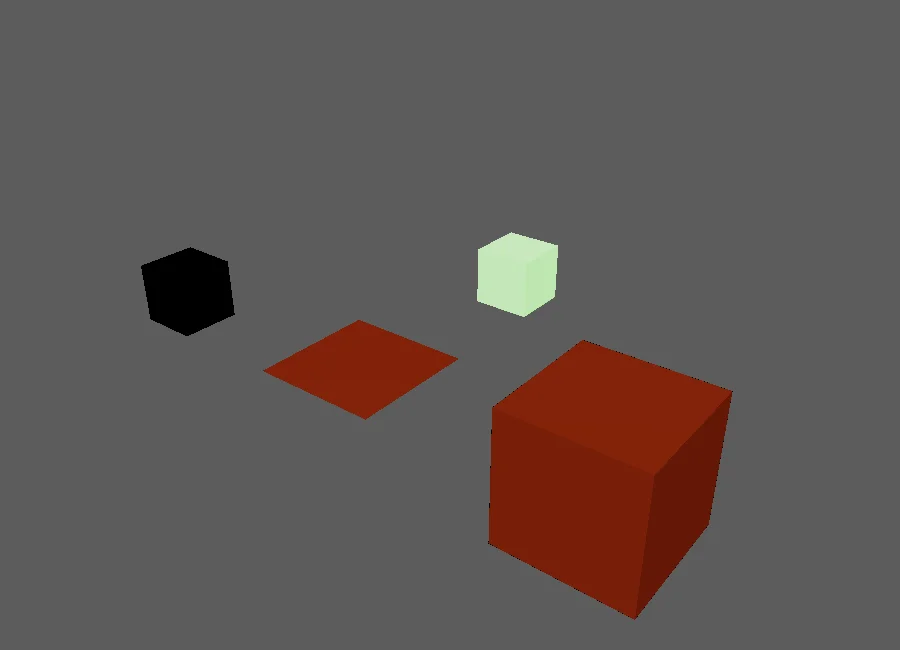
- Shear. A rotated child under a non-uniformly scaled parent is legal in Blender and stretches parts when exported the usual way. I found this on a couch asset whose cushions came out the wrong shape, and had to change how transforms are written.
- Normals and edges. Hard edges, creases and subdivision settings all need to survive, not just the polygons.
- Names. The USD library in Maya 2025 refuses files that contain non-English characters in object names, so names are converted to plain ASCII on the way through.
- Axes and units. Blender is Z-up in meters, Maya is Y-up in centimeters, and a scene with a custom unit scale has to come across at the right size.
Lights and cameras
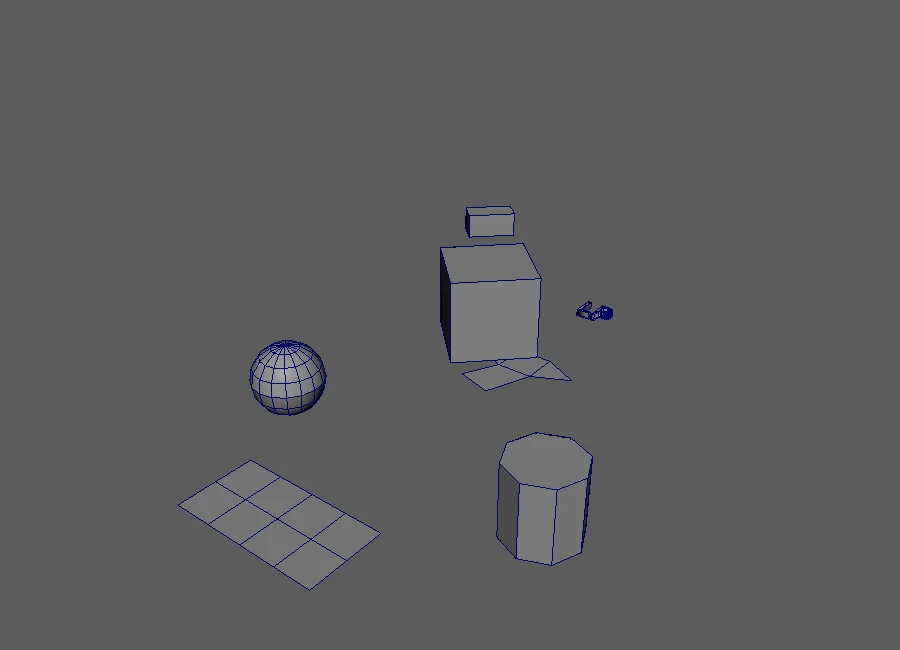
Lights are where the numbers get ugly. A Blender point light, an Arnold light and a Redshift light do not share units. I calibrated them against test renders from Cycles, Arnold and Redshift, and the point, spot, sun and area lights now match Blender to within a fraction of a percent in Arnold and about 1.5% in Redshift. Color temperature was a separate problem. Blender, Arnold and Redshift all calculate it differently, and Redshift’s Kelvin is simply different, so some lights have their color baked in instead.
Cameras bring their focal length, film back, clipping and depth of field.
Animation
Objects, cameras and lights import with their animation. So do skeletons with skin weights and shape keys, which become Maya joints, skin clusters and blend shapes. I only export animation when the file has some, so static assets stay fast.
The bigger idea: Blender marketplaces
This is the part that interests me most. A great deal of high quality 3D content, from furniture and props to scanned materials and full scenes, is sold and shared as .blend files on Blender marketplaces and asset libraries. Maya users mostly cannot use any of it without rebuilding it.
If a .blend opens in Maya with its geometry, materials and lights intact, that whole catalogue becomes available to Maya artists. I am testing with assets from the BlendKit library, and the importer is already wired into my asset library tool for the same reason.
A note on licensing: Blend Bridge converts files, but it does not change who owns them. Each asset’s license still applies, so check the terms before using an asset in a project.
Where it stands
- Meshes, materials, cameras, lights, animation, skinning and shape keys import.
- It runs in Maya 2025 and 2027 and needs Blender 4.2 or newer installed.
- Procedural materials do not convert yet. Baking them to textures is the next step I want to try.
- Blender’s Sky Texture worlds are planned to become an HDRI dome.
- It is not released, there is no date, and nothing is listed yet.
I will update this page as it moves. For a different kind of file, GLB Bridge for Maya is already available and imports and exports GLB and glTF.
Related tool: GLB Bridge for Maya. glTF and GLB in and out of Maya with materials already built.