Maya GLB Import and Export, GLB Bridge
glTF and GLB in and out of Maya with materials already built.
Get the tool Read the documentation
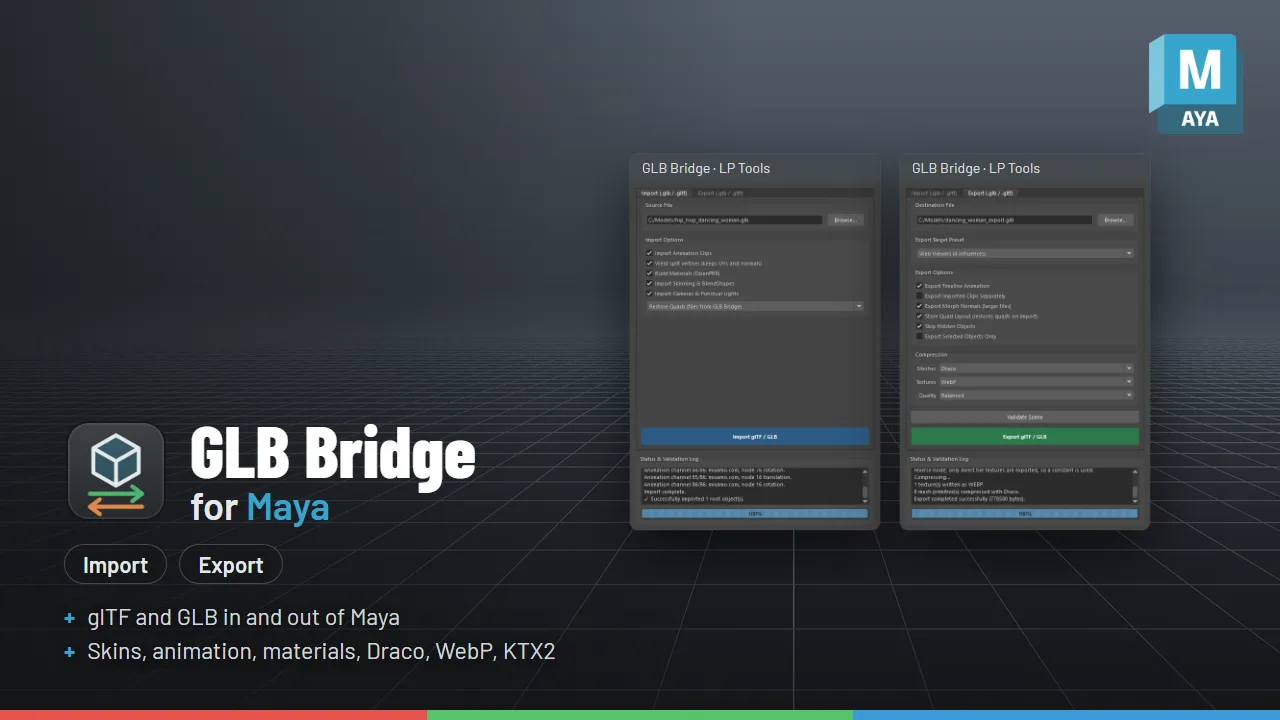
What it does
- Imports .glb and .gltf with materials and textures
- Skins, blend shapes and animation
- Cameras and lights
glTF and GLB in and out of Maya
GLB Bridge imports and exports .glb and .gltf files with meshes, materials and textures, skins, blend shapes, animation, cameras and lights. Bring a Sketchfab, Blender, Unity, Unreal, three.js or game-asset file into Maya with its materials already built, and send your Maya scene back out in one click. It also adds .glb and .gltf to Maya’s own File > Import, Open and Export dialogs.
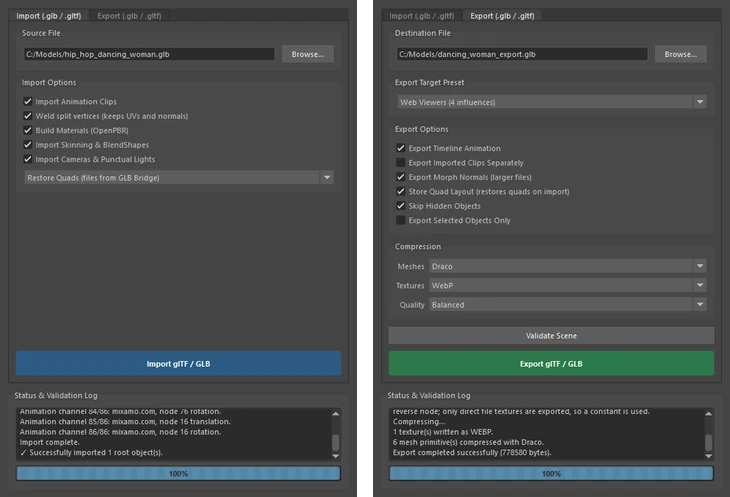
What it does
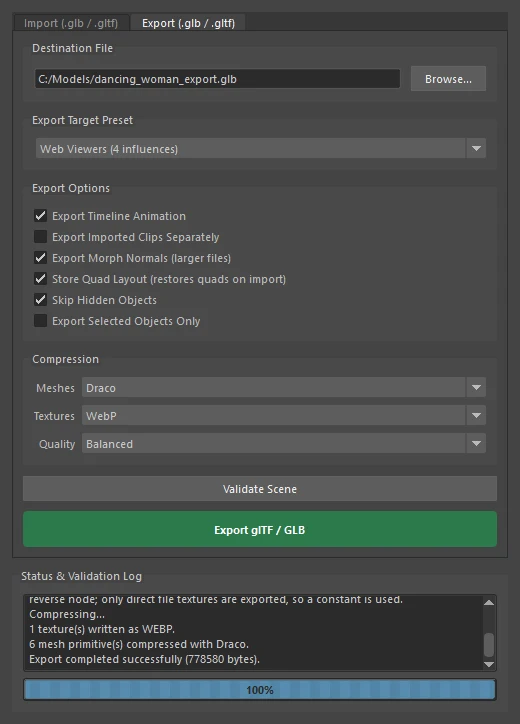
- Import: meshes, OpenPBR materials with their maps, skins, blend shapes, every animation clip, cameras, lights and instanced meshes. Draco, meshopt and KTX2 compressed files come in too, and quads and n-gons are rebuilt.
- Export: your scene with textures, skins, blend shapes and baked animation, plus optional Draco, WebP and KTX2 compression. Every file passes the Khronos glTF Validator with no errors.
- File dialogs:
.glband.gltfalso show up in Maya’s File > Import, Open and Export.
Every option is listed in the GLB Bridge documentation.
Requirements
For Maya 2025, 2026 and 2027. Tested in Maya 2025 and 2027. Maya 2026 runs the same Python as 2025.
Good to know
Geometry is stored as triangles in the file (quads are rebuilt on import), so convert NURBS and subdivision surfaces before exporting. Only direct file textures are exported.