KeyForge, a Maya Animation Toolkit
An animation toolkit for Maya: tweening, a pose library and quick keying tools in one window.
Get the tool Read the documentation
What it does
- Tween machine bar
- Pose library
- Fast keying tools
An animation toolkit by Maya’s Time Slider
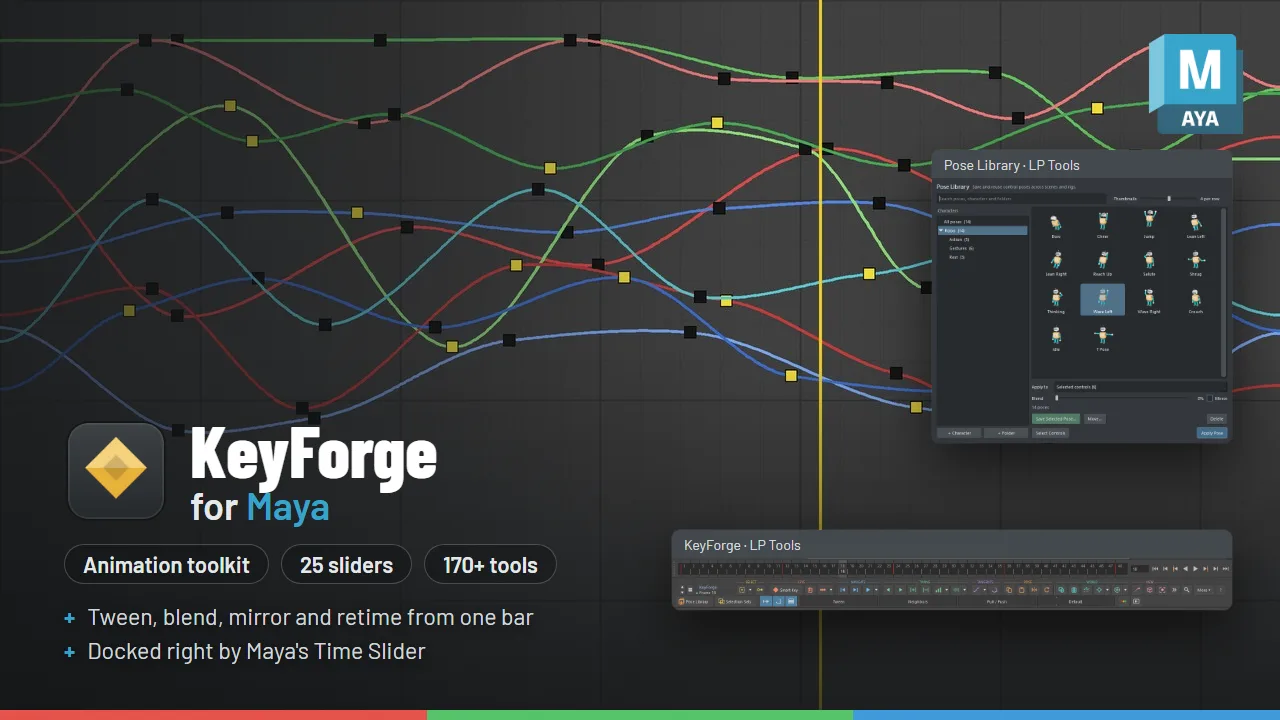
KeyForge puts 25 blend sliders and more than 170 animation tools on one compact bar docked right under the timeline. Tween and blend poses, retime keys, mirror, bake, tint keys by type, work in world space and use temp controls, without digging through menus.
Try it free first: KeyForge Lite gives you the Tween, Blend to Neighbors and Pull / Push sliders plus Smart Key, Reset Pose and Copy / Paste Pose, at no cost. If you like it, come back for the full KeyForge. Installing it removes KeyForge Lite for you.

How it works
Select controls and drag a slider. The dot next to KeyForge shows what will change: the keys selected in the Graph Editor, the highlighted Time Slider range, or the current frame. While you drag, the slider shows what the end you are heading to means, plus the value, and one Ctrl+Z undoes the whole drag. If a tool can’t run, the bar tells you why.
What you get
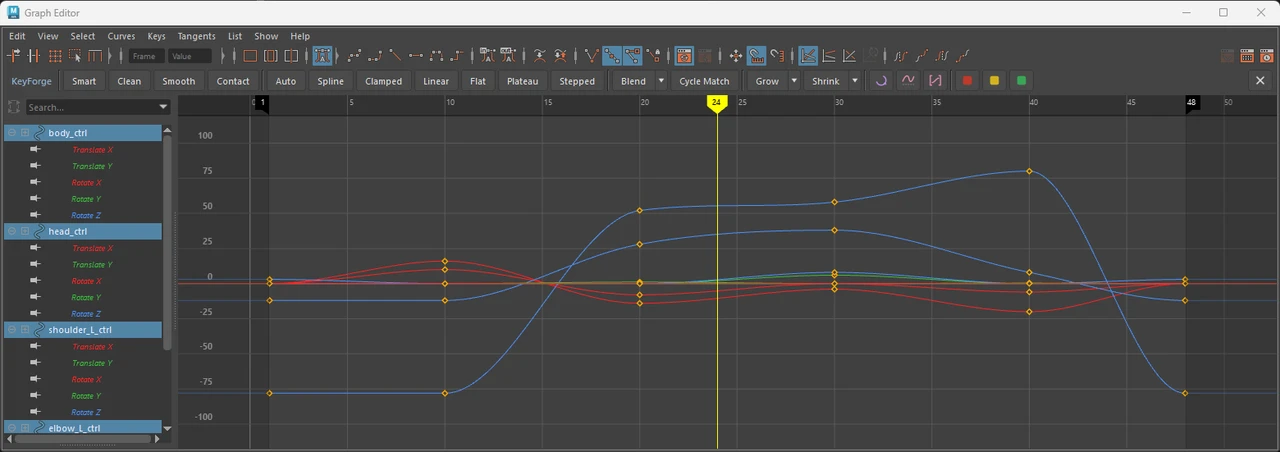
- 25 blend sliders: tween and blend to neighbors, a default pose, a frame or a mirrored pose, shape and ease your curves, mend gaps and cycle, and move poses in world space.
- More than 170 tools: smart keying, copy and paste keys, tangents and key colors, pose and mirror tools, world-space and rig helpers, and navigation and view tools.
- A Graph Editor strip, so the same tools work while you look at curves.
Every slider and tool is listed in the KeyForge documentation.
Pose Library and Selection Sets
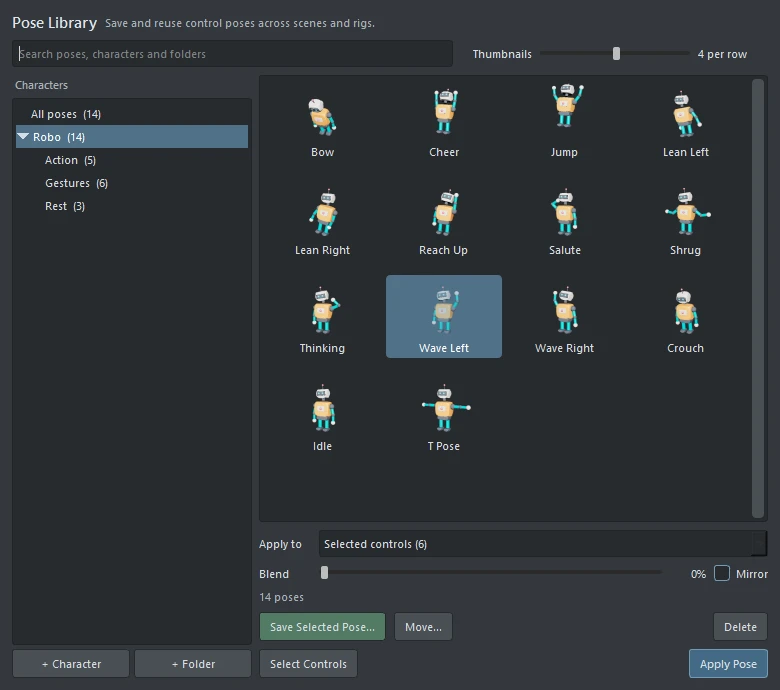
The Pose Library saves poses with a thumbnail, sorted by character into your own folders, with 2 to 8 thumbnails per row. Selection Sets are named groups of controls (Face, Eyebrows, Left Hand) that you select with one click.
Right-click a slider on the bar for a floating, movable, resizable slider with fine ranges and Overshoot. You can also make the S key run Smart Key.
Requirements
For Maya 2025, 2026 and 2027. Tested in Maya 2025 and 2027. Maya 2026 runs the same Python as 2025.