Free Maya Tween Machine, KeyForge Lite
The free tween machine bar from KeyForge, as a small standalone tool.
Get the tool Read the documentation
What it does
- Free
- Tween machine slider bar
- Small and quick to install
A free tween machine for Maya
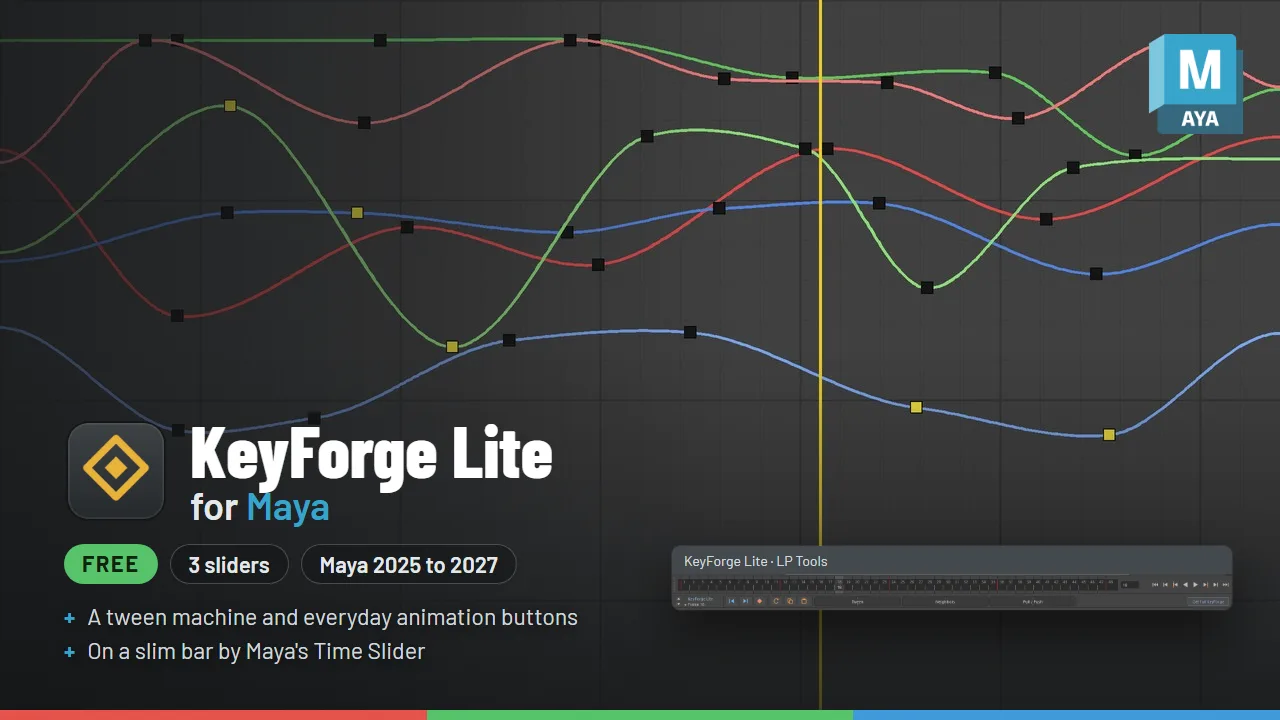
KeyForge Lite puts three animation sliders (Tween, Blend to Neighbors and Pull / Push) and the buttons you reach for all day on one slim bar docked by Maya’s Time Slider. Select a control, drag a slider, and one Ctrl+Z undoes the whole drag. There are no menus to dig through.

How it works
The dot next to KeyForge Lite shows what the sliders will change right now: the keys selected in the Graph Editor, else the highlighted Time Slider range, else the current frame. Click anywhere on a slider to jump there, then drag. While you drag, the slider shows what the end you are heading to means, plus the value. If a slider can’t run, the bar tells you why.
The sliders
- Tween: an inbetween between the previous and next key. 0% is the previous key and 100% the next. Keys it makes get a yellow tick, so inbetweens are easy to spot on the timeline.
- Blend to Neighbors: left of center blends the pose toward the previous key, right of center toward the next key.
- Pull / Push: softens or exaggerates a pose against the straight line between its neighbor keys. Far left is perfectly linear, center is unchanged, and right is pushed.
The buttons
Previous and next key on the selected controls. Smart Key, which keys without breaking the curves around it and copies neighbor tangent types. Reset Pose, which returns to rig defaults. Copy Pose and Paste Pose, matched by control name with namespaces ignored, so they work across scenes in one Maya session.
Good to know
The arrows at the left of the bar move it between three spots: above the Time Slider, between the Time Slider and the Range Slider, or below the Range Slider. Right-click the bar for Overshoot (sliders can go past both ends) and the Channel Box filter, so only the channels you highlight change.
Want more?
KeyForge Lite is a small, free starter. The full KeyForge adds a Pose Library with thumbnails, Selection Sets, mirror pose and mirror animation, world-space tools, temp controls and pivots, key colors, tangent recipes, a strip inside the Graph Editor, a pop-up slider, and more than 20 more sliders.
Requirements
For Maya 2025, 2026 and 2027, using Python 3 and PySide6. Free for personal and commercial work, including client projects.