Roll Anything for Maya, Roll Any Shape
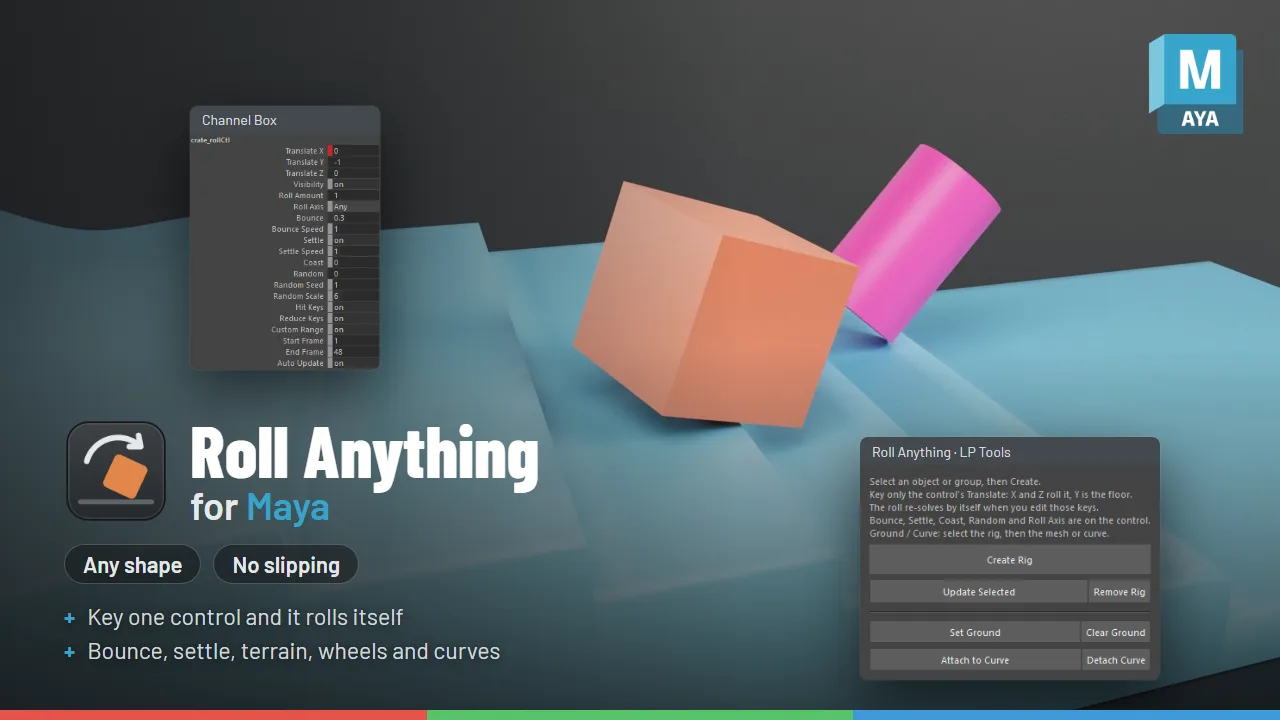
Roll any shape across the ground with no slipping, driven by the motion of the object.
Get the tool Read the documentation
What it does
- Works with wheels, balls and odd shapes
- No slipping
- Driven by the object's motion
Roll any shape by animating one control
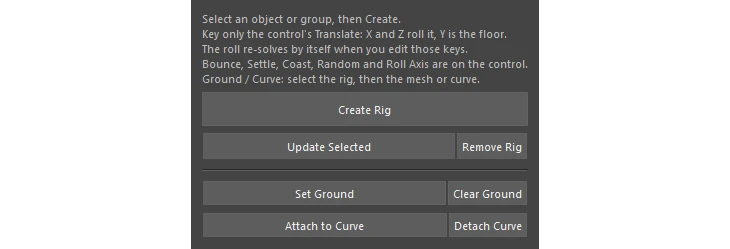
Select a cube, a rock, an egg, a d20, a barrel or a whole group, click Create Rig, and key only where it goes. Roll Anything works out the rolling for you: no sliding, no sinking into the floor, and it re-solves by itself every time you edit the keys.
What it does
- Any shape, exact contact: it pivots on the real lowest point of the mesh (a corner, an edge, a curved side). A cube tips face to face, an egg wobbles, and an odd rock tumbles unevenly, all without slipping.
- One control: key the control’s X and Z and the object rolls that way, in any direction, turning as the path turns. Y is the floor height, so table tops and drops work too.
- Bounce: hard shapes hop a little when a face slaps down, and less when the move eases in.
- Settle and Coast: when the control stops, an object left on an edge or corner tips over onto a face under gravity. Coast adds momentum, so a shoved crate keeps rolling after a sudden stop.
- Uneven ground: pick any mesh as the ground and the object rolls over terrain, ramps and stairs, tilting with the surface under it.
- Wheel mode: lock the roll to one axis so wheels, barrels and coins steer like wheels instead of tipping over sideways.
- Follow a curve: attach the control to a curve and key one Path Position value.
Clean results
Roll Anything writes plain rotation and translation keys (extra keys in between on fast rolls, then reduced). Scenes open, render and export to FBX or Alembic without the tool installed.
Good to know
Settle and coast happen after the control’s last move. On stairs the object follows the control down each step rather than toppling off an edge by itself. Remove Rig puts everything back as it was, keys included, and every action is one Ctrl+Z.
Requirements
For Maya 2025, 2026 and 2027. Tested in Maya 2025 and 2027. Maya 2026 runs the same Python as 2025.