Maya Camera Tools, Camera Toolkit
Everyday camera helpers for Maya in one window.
Get the tool Read the documentation
What it does
- Bake
- Focus
- Shake and frustum
Every camera tool in one dockable window
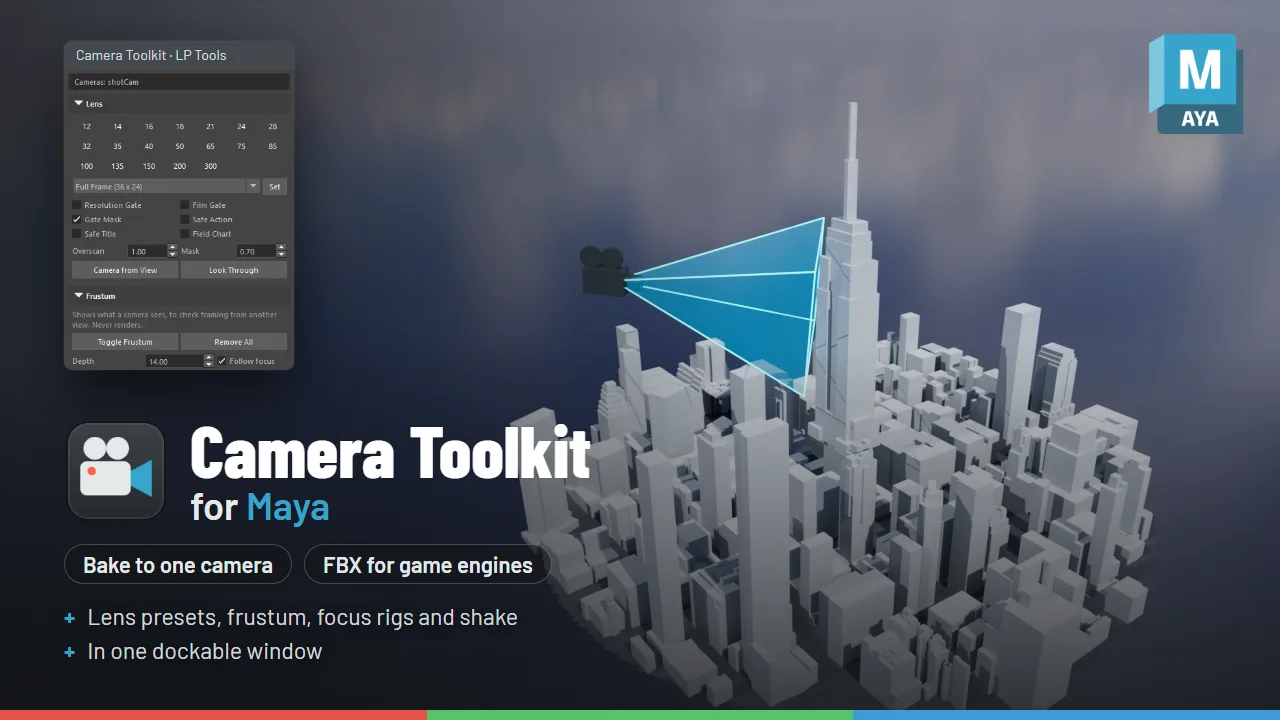
Camera Toolkit brings lens and film back presets, a frustum visualizer, focus rigs, procedural camera shake, and baking any camera rig down to one clean camera, all in one place in Maya.
Coming from Camera Bake? This is its replacement, and a free update if you already have it. Bake Camera does the same job as before (any rig to a single, clean, world-space camera) and now also handles film offsets, image planes and Arnold and Redshift camera settings.
What’s in the window
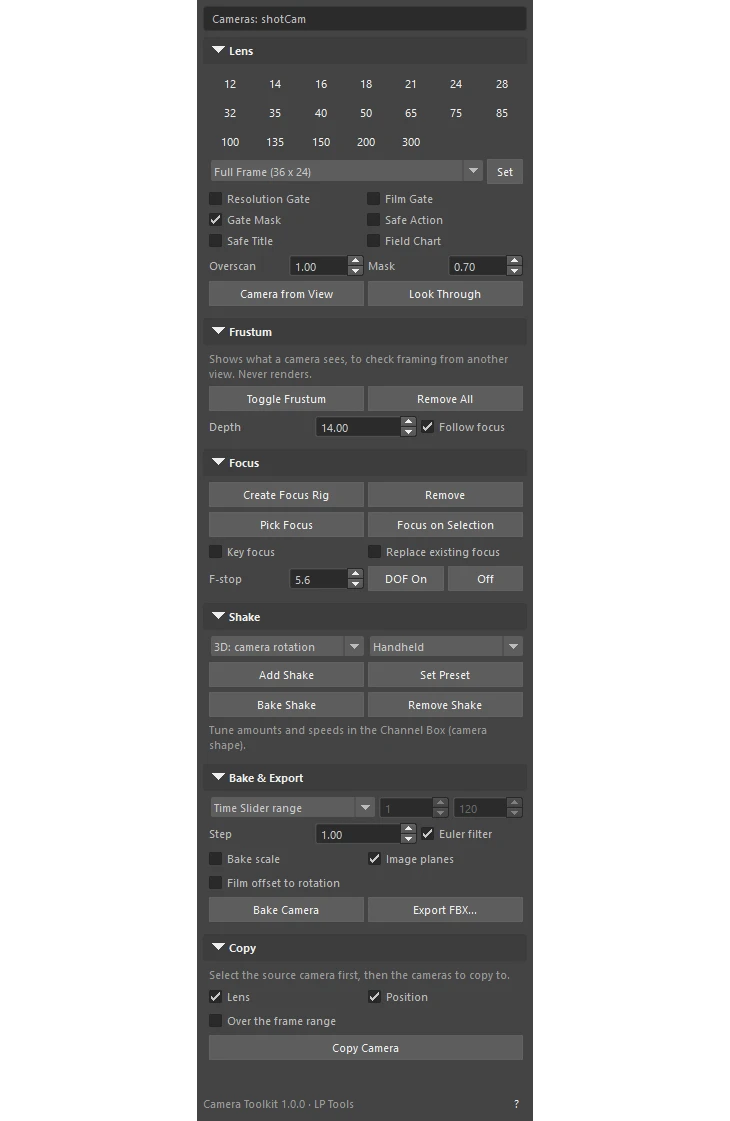
- Bake and Export: bake any camera rig to one clean camera, and export it to FBX in one step.
- Lens: one-click focal lengths, film back presets from Full Frame to IMAX, gate and safe frame toggles.
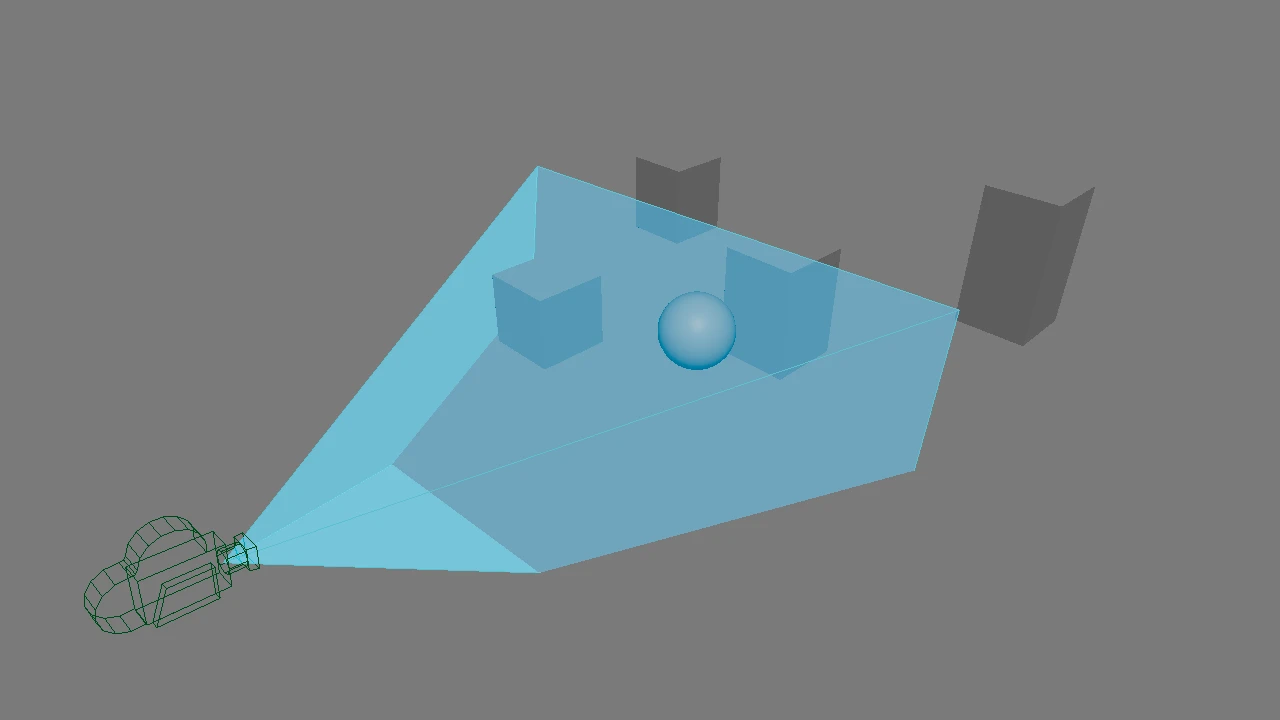
- Frustum: see exactly what a camera sees from any other view.
- Focus: a focus control with Pick Focus, Focus on Selection and f-stop.
- Shake: procedural 2D and 3D camera shake with presets, and Bake Shake.
- Copy: copy lens settings and position from one camera to others.
See the Camera Toolkit documentation for every option.
Good to know
Every button works on the selected cameras, or the camera you are looking through when none is selected. Everything is one Ctrl+Z, and every tool can also be called from a script or shelf button.
Requirements
For Maya 2025, 2026 and 2027. Tested in Maya 2025 and 2027. Maya 2026 runs the same Python as 2025.