Mixamo Auto Control Rig for Maya Documentation
Install the Mixamo Auto Control Rig Python 3 update in Maya 2024 to 2027, rig a Mixamo character, import animation and bake it to controls.
This is an unofficial community update of Mixamo’s Auto Control Rig v1.6.0, ported to Python 3. It is not an official Adobe or Mixamo release, and Adobe and Mixamo do not support it. It is free and shared as is, with no support and no warranty. The original credits (Dan Babcock as creator and Paolo Dominici for additional code) and the original “Copyright Mixamo” notice still apply to the original work.
Requirements
- Maya 2024 or later. Tested in Maya 2024, 2025 and 2027. Maya 2026 uses the same Python as 2025.
- A character autorigged by Mixamo, imported in its original pose or T-pose.
Characters and animations come from mixamo.com and are not included.
Install
- Unzip the download. Copy the whole
MayaAutoControlRigfolder into your Maya scripts folder,Documents\maya\scripts. - Restart Maya, then run these lines in the Script Editor (Python tab):
import MayaAutoControlRig
MayaAutoControlRig.UI.Main_UI.MIXAMO_AutoControlRig_UI()
To make a shelf button, select the lines and middle-mouse-drag them onto a shelf. The file Mixamo_Auto_Control_Rig_v_1_6_1.py in the download holds the same lines.
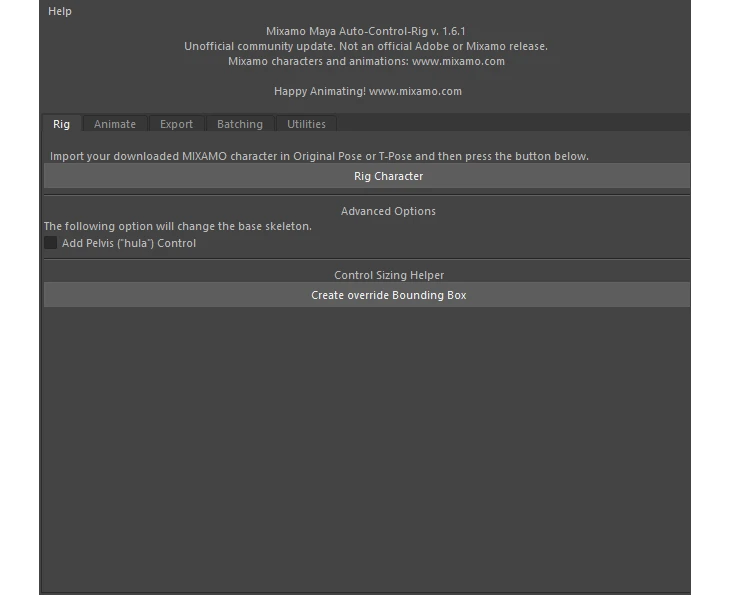
How to use
- Download a character from mixamo.com as an FBX and import it into Maya.
- In the Rig tab, click Rig Character.
- Download an animation from mixamo.com. In the Animate tab, click Import Animation to Control Rig and pick the file.
- Edit on the controls. Bake Animation to Controls and Clear Animation Controls let you move between the imported animation and your own keys.
- Use the Export tab to send the result out, or Batching to process many files.
What you get
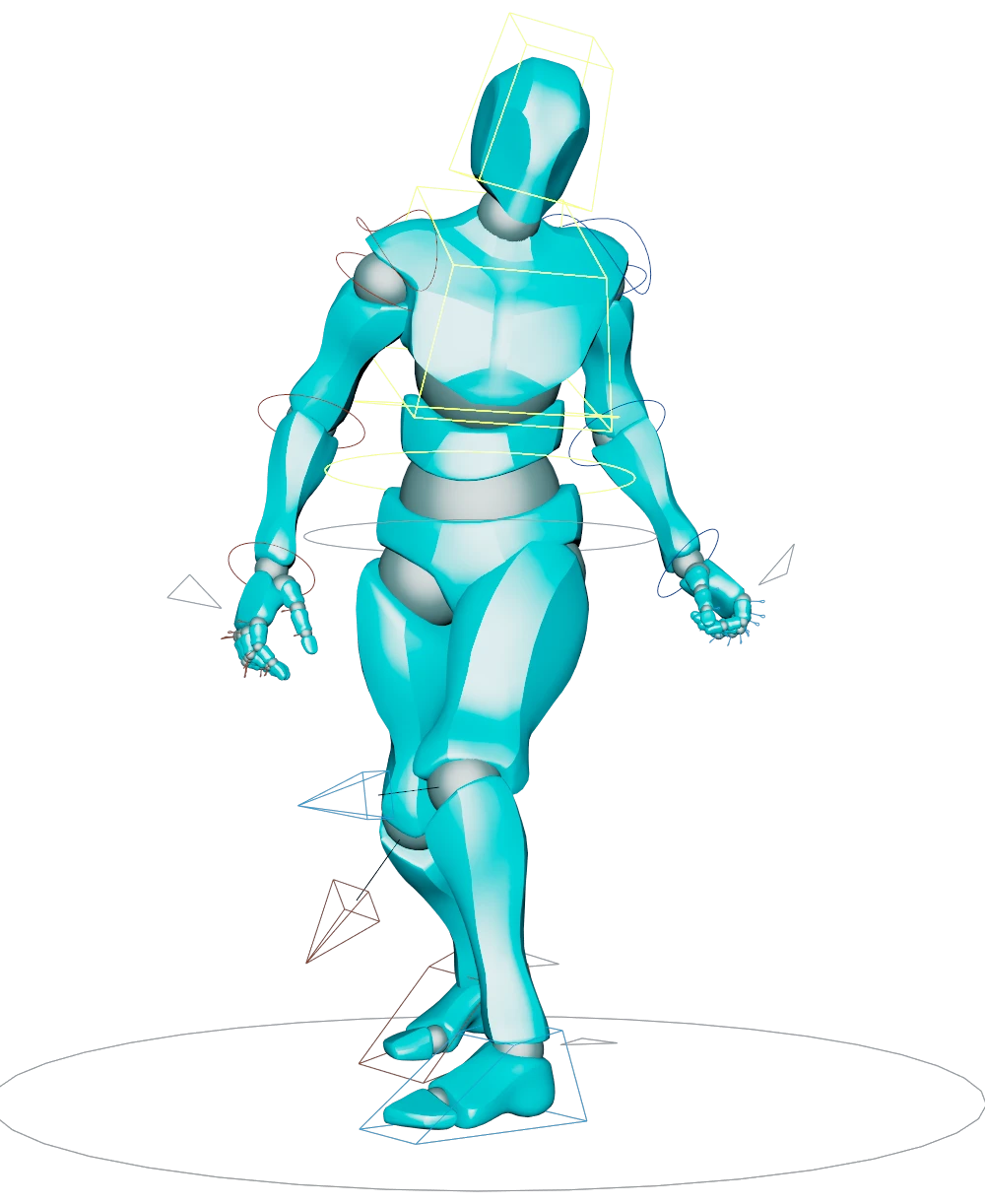
- FK/IK arms and legs that follow the animation data with no baking.
- Keyable
AnimDataMultattributes that exaggerate or ignore the animation data. - Bake or clear the controls at any point in time, and the animation is preserved.
- Facial controls on FacePlus-compatible characters, with Osipa style controls, eye rotation and aim.
- Hands and feet custom attributes, and an optional pelvis (“hula”) control.
- Dynamic joints and chains, a baked FK skeleton export, and batch import and export tabs.
More detail
Mixamo_Auto_Control_Rig_v_1_6_1_DOCUMENTATION.pdf in the download covers the original tool in more depth. It was written for version 1.6.0, so some screens look slightly different. The changelog lists what changed in 1.6.1, a Python 3 port that works in Maya 2024 to 2027.